Vavus software, ready for your devices.
Four ready apps. We can customize them, build new apps and tune Vavus OS for your work.
Download them now from the App Store, Google Play or for your computer.
Vavus OS
The software that runs on Vavus devices.
Comes with Vavus AI, Vavus Keyboard and Vavus Concierge, customized to the way your team works.
Vavus AI
Speak, translate and work with documents.
Voice translation, text translation and AI tools in one app. Use it at a desk or carry it into a conversation.
The mobile apps are available through the App Store and Google Play listings below.
Vavus Keyboard
Dictate and translate inside the apps you use.
Write in another language without moving the conversation to another app. Dictation and translation are part of the keyboard.
The mobile apps are available through the App Store and Google Play listings below.
Vavus Concierge
Answers your customers by phone, chat and on your website, from your own information.
Try it now: the chat on this site is Vavus Concierge.
Visit the Vavus Concierge product page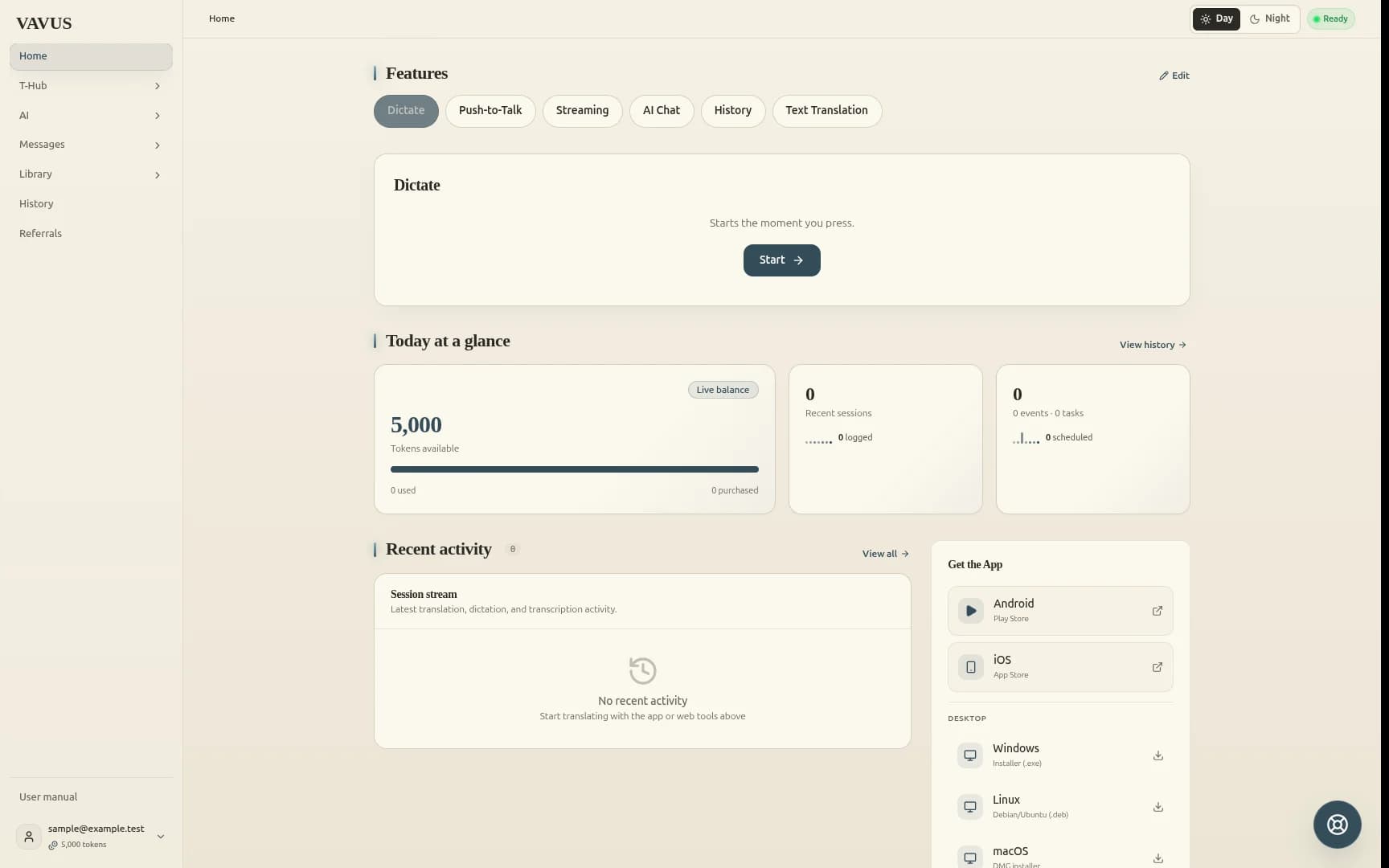
Vavus AI interface. Sample account; example token balance.
Try Vavus Concierge.
Ask about devices, software or a pilot.